Say it. Clean text lands at your cursor.
Hold Right ⌘, talk, let go. Sayso transcribes on your Mac, removes the ums and the false starts, keeps your corrections, and types the result into whatever app you're in.
~70 ms to finished textSpeech stays on your MacNo account
Eight steps, one key press
Everything up to the AI step runs on your Mac. Audio is never saved or uploaded. Text leaves the Mac only if you turn on Claude polish.
- 1
Hold the key
Right ⌘ by default. Double-tap to keep listening hands-free. Escape cancels.
- 2
Record
The microphone is on only while you hold. Audio is converted to 16 kHz in memory.
- 3~60 ms
Transcribe
Parakeet TDT v3 on the Neural Engine, with Apple's on-device speech as a fallback.
- 4<1 ms
Clean up
Fillers, repeats, "no wait" and "scratch that", "new line", "bullet point", and times like 3:30.
- 5
Your dictionary
Names and terms spelled your way, including sound-alikes: "Chivon" becomes Siobhan.
- 6~0.5 s
AI polish
Apple Intelligence on your Mac, or Claude with your own key. Smooths phrasing only.
- 7
Meaning guard
Throws out any rewrite that drops a "not", changes a number or a name, or turns prose into a list.
- 8
Per-app tone
No closing period in Slack, lowercase in Terminal, full punctuation in Mail. Then it pastes and restores your clipboard.
Done before you've lifted your finger
Each grey bar is how long the person spoke. The amber sliver at its left edge is how long Sayso took to turn that speech into finished text, on the same scale.
Small surface, a lot underneath
Hold to talk, anywhere
Works in any text field. Choose right ⌘, fn, right ⌥ or right ⌃. Pressing another key while holding never starts a recording by accident.
Voice commands
Select text, hold Right ⌥ and say "make this friendlier" or "translate to Chinese". With nothing selected, it writes something new.
Your words, spelled right
Add names and jargon once. Sayso also learns from the fixes you make after dictating, and never "learns" ordinary words by mistake.
Writes like the app you're in
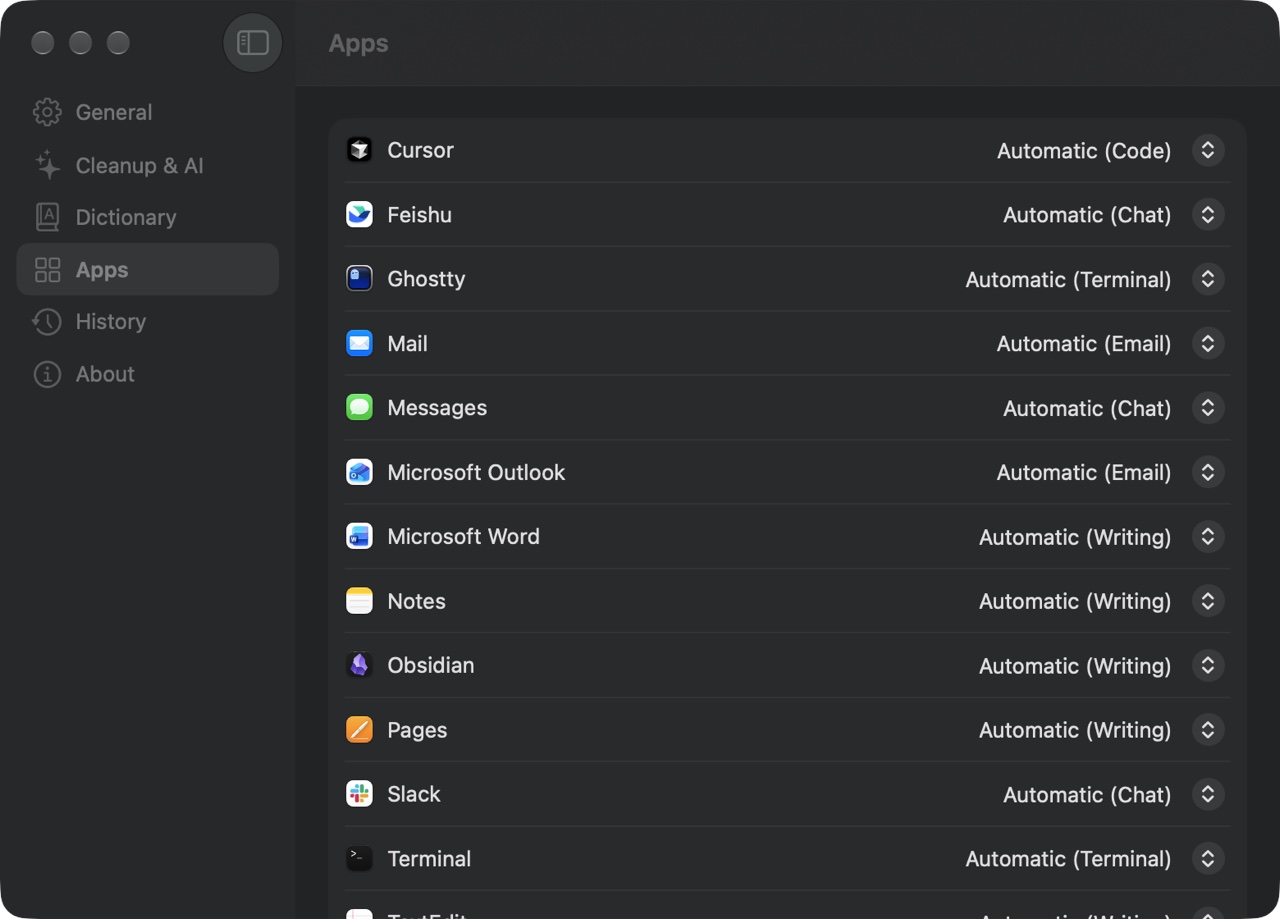
Chat, email, documents, code and terminals each get their own style, detected automatically and adjustable per app.
Undo the polish
Press ⌃⌘Z right after a dictation to swap in exactly what you said, word for word.
History you control
Searchable and copyable, with words dictated and time saved. Keep it for a week, a month, three months or forever, or turn it off.
25 languages
English, German, French, Spanish and 21 more European languages, recognized without switching.
Private by design
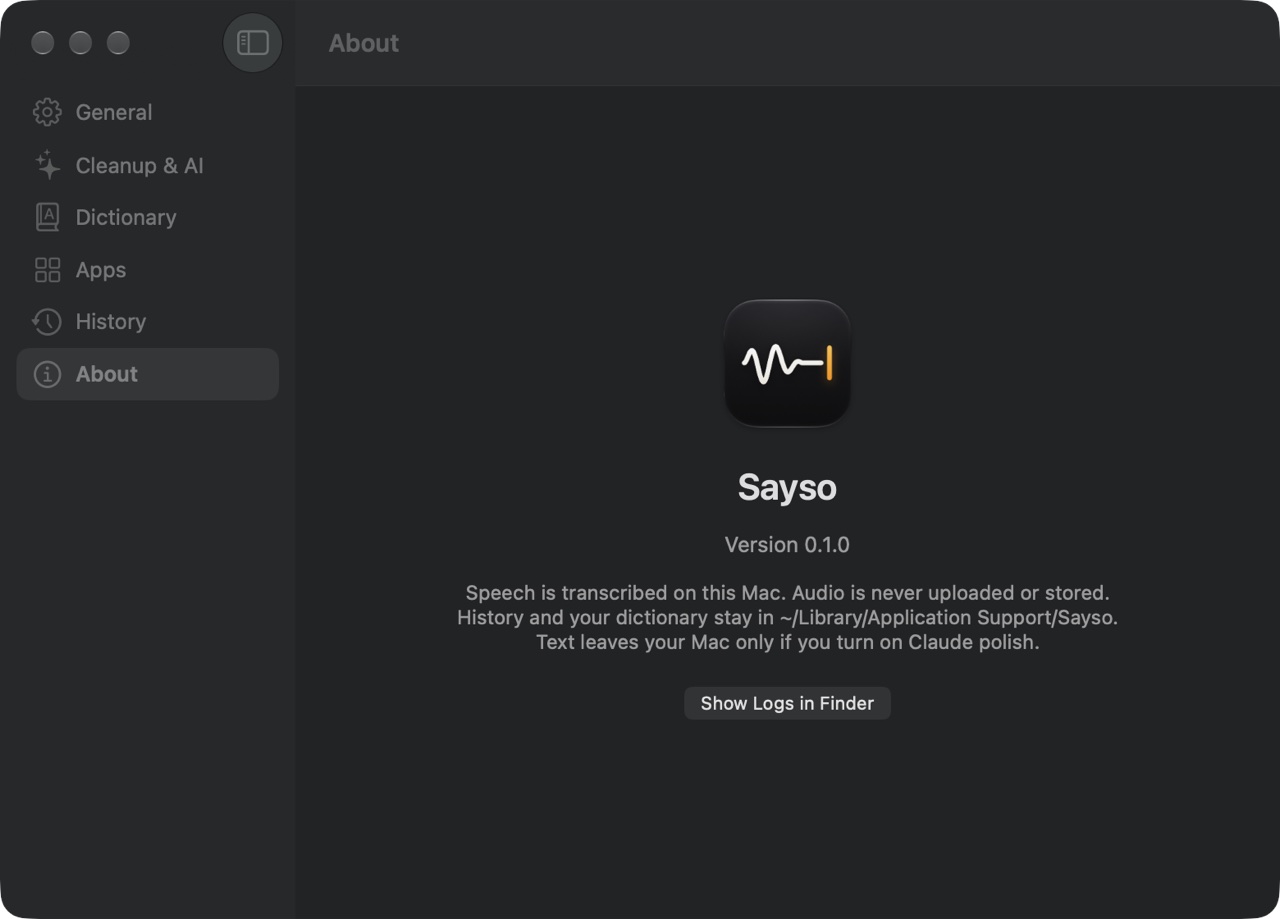
Speech is transcribed on your Mac. Audio is never stored. No account, no analytics.
Native, quiet, out of the way
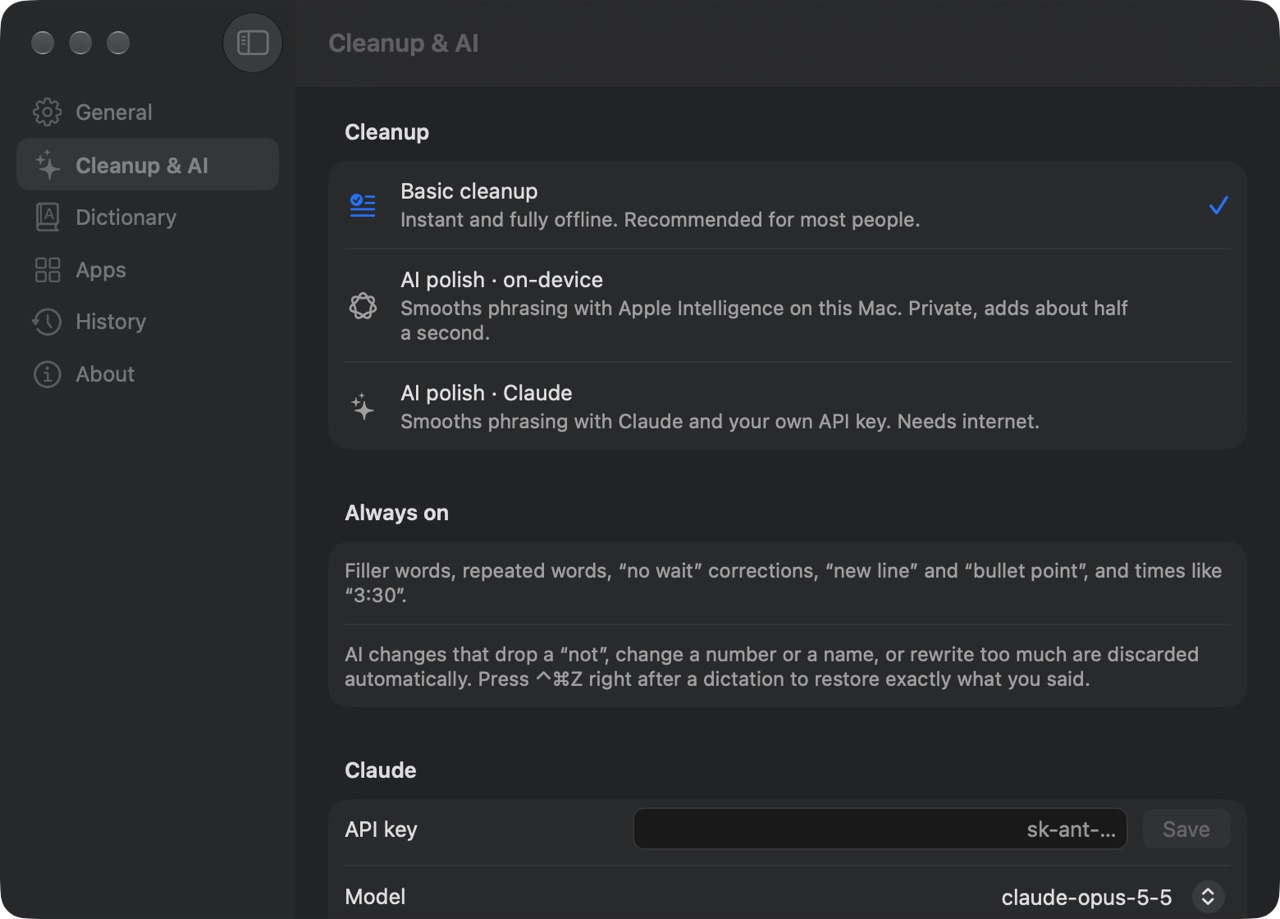
Sayso lives in the menu bar. These are the real windows from the current build.
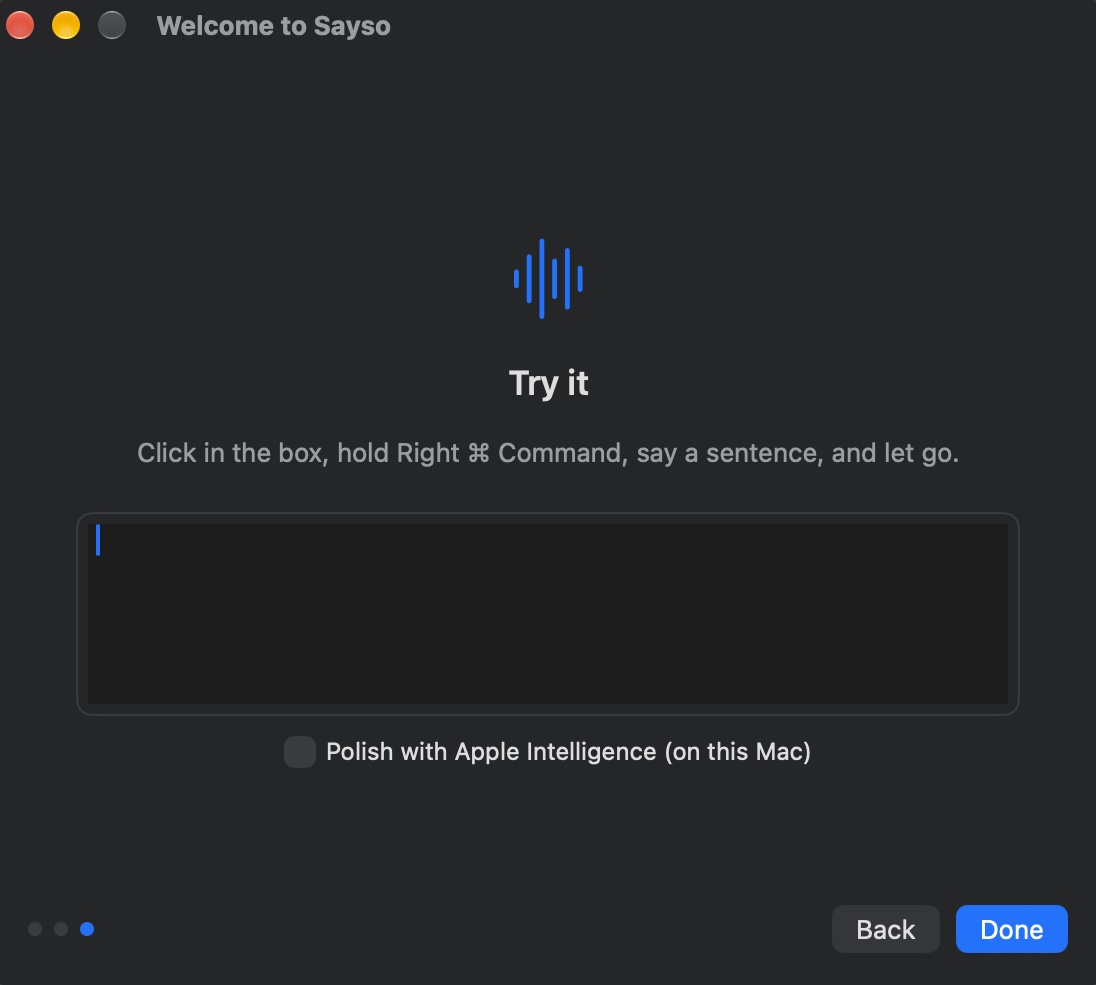
22 of 22 end-to-end checks, 118 unit tests
The end-to-end suite speaks real sentences in many voices, runs them through the app itself, and grades what comes out.
- 0.3% word error across 24 clips in 6 English accents
- Every "don't" kept in every clip
- German, French and Spanish at 0% word error
- "Tuesday, no wait, Wednesday" keeps Wednesday
- Fillers, "scratch that", new paragraph, bullet lists
- Siobhan and Anthropic spelled from the dictionary
- Slack drops the closing period
- Terminal gets
git status, lowercase - Mail keeps full punctuation
- Silence and mains hum type nothing
- 320 words a minute at 8% word error
- Background noise at 12 dB at 0% word error
- A 96-second dictation in 503 ms
- 100 dictations in a row, 95th percentile 96 ms
- Memory flat across all 100
- No microphone: a clear message, not a crash
- AI that drops a "not" or invents a list is rejected
- Your clipboard is restored after every paste
Version 0.1, in testing
Done
- Dictation, cleanup, personal dictionary, per-app tone, voice commands and history all work.
- Default key moved to right ⌘ after the first hands-on run, because fn is often taken by other apps.
- Fixes from that run: no crash on Macs without a microphone, and AI polish can't turn sentences into lists.
Before launch
- Hands-on testing across apps on Macs with microphones.
- Developer ID signing, notarization and in-app updates.
- Privacy policy for the app, and translations of the interface.
Good to know
When can I get it?
Sayso is in testing now. It will be a download for Macs with Apple silicon and macOS 15 or later, signed and notarized by Apple. Email hello@rockystonelabs.com with the subject Sayso to hear when it's out.
Does my voice leave my Mac?
No. Speech is transcribed on your Mac and the audio is never saved or uploaded. The only time text leaves your Mac is if you turn on Claude polish with your own Anthropic API key: then the transcript, not the audio, is sent to Anthropic to be smoothed.
Which key do I hold?
Right ⌘ by default, because it is almost never pressed on its own. You can switch to fn, right ⌥ or right ⌃ in Settings. Double-tap the key to keep listening hands-free, and press Escape to cancel.
Does it work in every app?
In any app with a text field: Mail, Slack, Notes, Word, browsers, code editors and terminals. Sayso pastes the text where your cursor is and then puts back whatever was on your clipboard.
Which languages does it understand?
25 European languages, including English, German, French, Spanish, Italian, Portuguese, Dutch and Polish, recognized without switching. Spoken commands such as "new line" and "scratch that" are in English.
What is AI polish, and do I need it?
You don't need it: basic cleanup already removes fillers, repeats and false starts, instantly and offline. AI polish also smooths phrasing, with Apple Intelligence on Macs that have it, or with Claude using your own API key. Any rewrite that drops a "not", changes a number or a name, or rewrites too much is discarded, and ⌃⌘Z right after a dictation restores exactly what you said.
What does it need?
A Mac with Apple silicon and macOS 15 or later, a microphone (a Mac mini or Mac Studio needs one plugged in), and two permissions: Microphone, and Accessibility so it can notice the key and paste. The speech model downloads once on first launch; after that Sayso works offline.
Who makes it?
Sayso is made by Rocky Stone Labs, which also makes Kitlight, Stillwater, Recto, Onbook and Circled.